
How to Capture the best video at Conferences
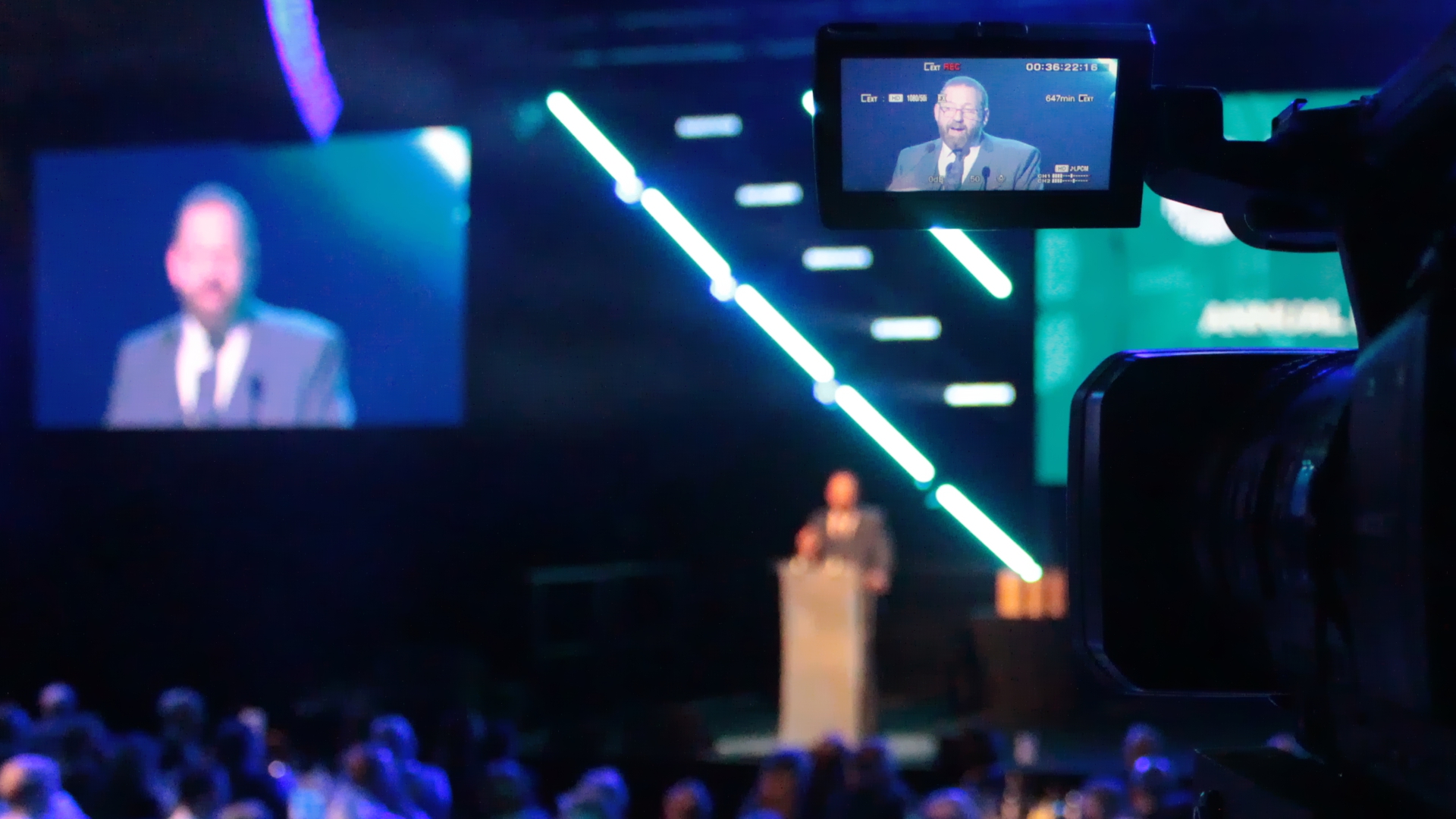 How to capture the best video at Conferences. Conferences are a crucial aspect of professional development, allowing individuals to network, gain new insights and knowledge, and showcase their expertise. With technological advancements, video has become an integral part of conferences, revolutionising how they are experienced and shared.
Capturing the essence of a conference can be challenging. However, there are tried-and-true techniques that will help you create dynamic and captivating footage that brings the event to life. From lighting tricks to framing secrets and everything in between, get ready to discover the art of capturing the best conference videos.
Why should you video your Conferences?
Videos offer a dynamic medium for capturing the essence of a conference and bringing it to life. They allow for recording keynote speeches, panel discussions, breakout sessions, and other important moments that can be revisited long after the event. They also offer a great marketing opportunity and can be used to promote future events.
In this section, we will explore the importance of incorporating video into conferences and how it can benefit both organisers and participants.
Enhanced Engagement
One significant advantage of video at conferences is its ability to enhance engagement among attendees. A well-produced video can capture viewers’ attention more effectively than written content or static images. It allows participants to visually experience sessions they may have missed or want to revisit after the event.
Moreover, videos provide a multi-sensory experience by combining visual elements with sound effects and music. It makes them more impactful than traditional presentation methods as they stimulate both audio and visual senses.
Reach a Wider Audience
The use of videos at conferences not only helps engage attendees but also extends the reach beyond those physically present at the event venue.
Improved Knowledge Retention
Studies have shown that people retain information better when they see and hear it rather than just reading or hearing it alone. By incorporating video into conferences, organisers can help participants retain key takeaways from sessions more effectively.
Videos also allow for replaying complex concepts or discussions that may require multiple viewings to comprehend fully, ensuring participants have access to valuable content long after the event.
Networking Opportunities
Conferences are prime opportunities for networking with like-minded individuals and industry experts. However, with large numbers of attendees and limited time, it can be challenging to connect with everyone. Video offers a solution by allowing participants to attend sessions virtually they could not physically attend.
Furthermore, sharing conference videos online allows participants to engage in discussions and exchange ideas even after the event ends.
Brand Building
Finally, incorporating video into conferences helps build the event’s brand and its organizers. Well-produced videos showcase the professionalism and quality of the event, leaving a lasting impression on attendees and potential attendees.
By sharing conference videos on social media, websites, and other digital channels, organizers can increase their online presence and establish themselves as leaders in their industry.
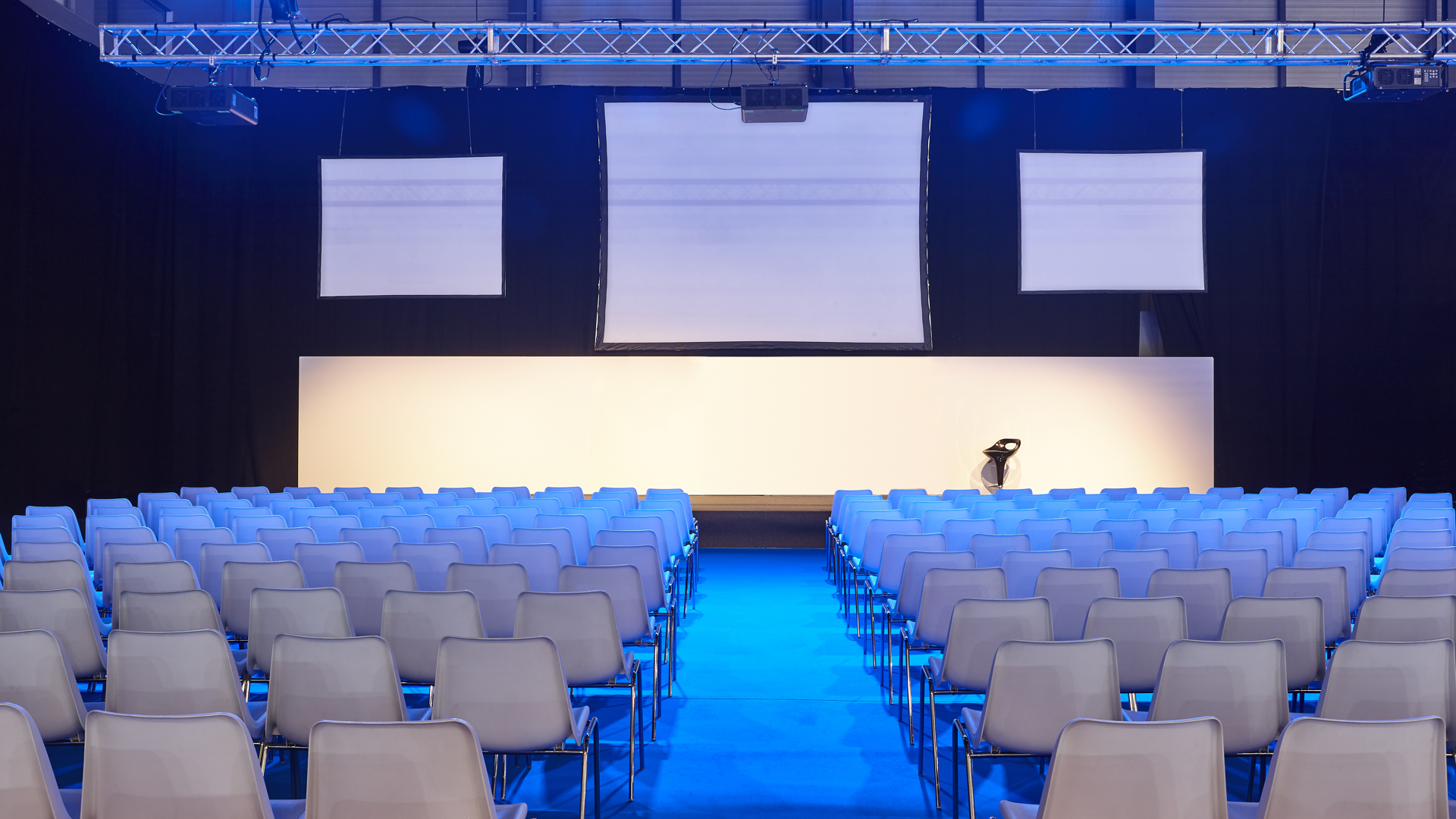
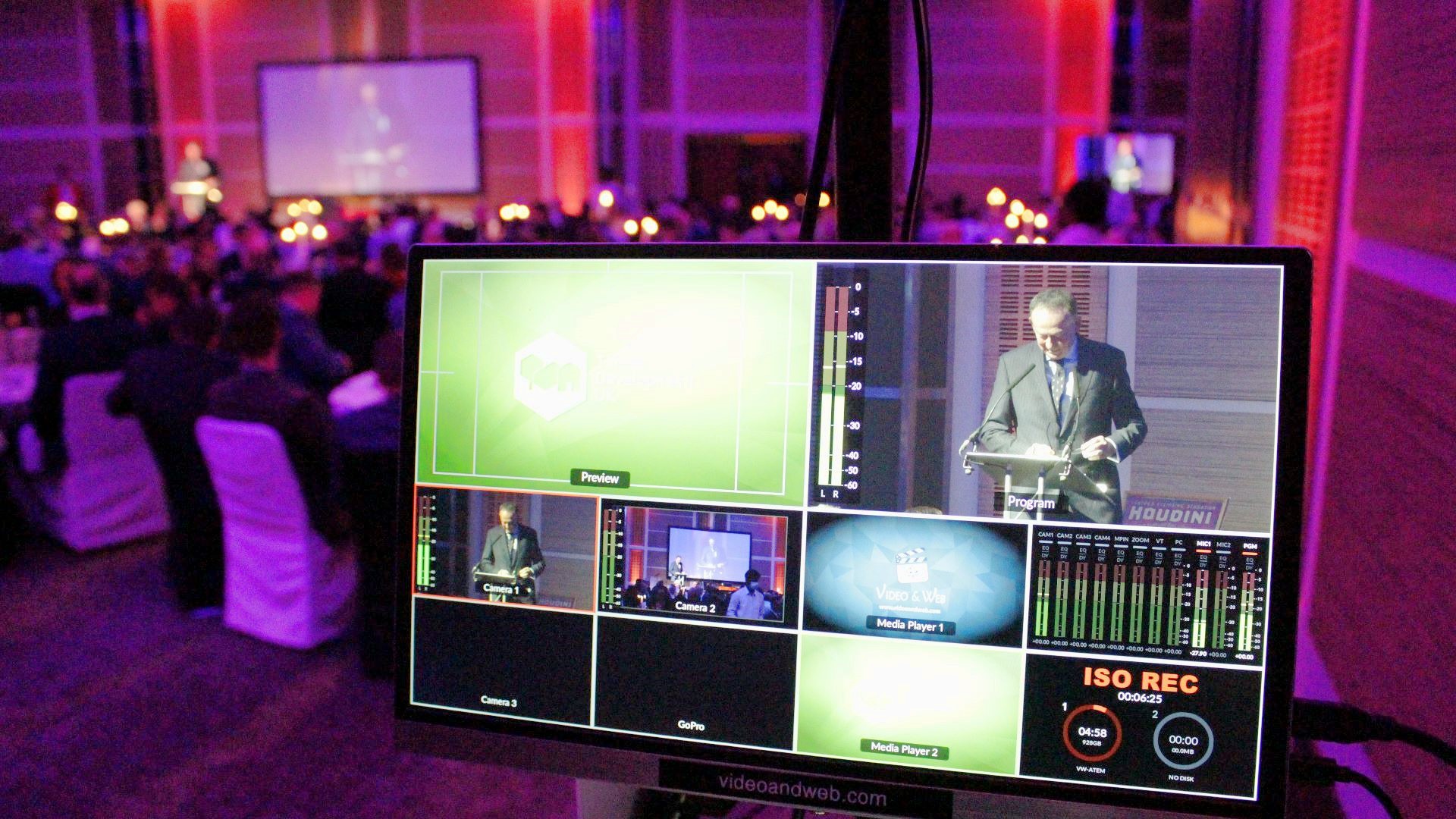
Conference room with video projectors, screens and platform. Professional presentation
Pre-conference preparations for capturing great footage
Pre-conference preparations are essential for capturing great footage at a conference. These preparations ensure you have all the necessary equipment and resources to capture high-quality videos that engage your audience. Here are some key steps to follow for pre-conference preparations:
- Familiarize Yourself with the Venue: Before the conference, it is important to familiarize yourself with the venue where it will be held. Understand the layout of the rooms, lighting conditions, and any potential obstacles or obstructions that may affect your shots.
- Plan Your Shot List: A shot list is a detailed outline of all the shots you want to capture during the conference. It could include keynote speakers, panel discussions, networking sessions, and other activities. Having a shot list helps you stay organized and ensures that you don’t miss any important moments.
- Check Your Equipment: Make sure all your cameras, microphones, tripods, batteries, memory cards, and other equipment are in working condition before the conference begins. Test them out and ensure they are fully charged or have enough batteries for extended use.
- Choose Appropriate Cameras: Depending on your budget and needs, choose cameras that can handle low light conditions if needed. It’s also helpful to bring multiple cameras to capture different angles simultaneously.
- Consider Audio Options: Good audio quality is equally as important as good visuals for conference videos. Consider using lapel microphones for speakers or an external microphone for better sound quality.
- Bring Extra Memory Cards so you don’t run out of storage space during the conference. You don’t want to miss important moments because you run out of memory.
- Have a Backup Plan: It’s always a good idea to have backup equipment in case something malfunctions or gets lost. It could include an extra camera, batteries, or memory cards.
- Coordinate with Organizers and Speakers: Reach out to the conference organizers and speakers before the event to discuss your filming plans and get any necessary permissions. It will also help you understand the schedule and flow of the conference better.
- Communicate with Your Team: If you are working with a team, ensure everyone is on the same page regarding equipment, shot list, and responsibilities to help ensure smooth coordination during the event.
- Dress Appropriately: Make sure to dress professionally and blend in with the attendees to capture footage without drawing too much attention to yourself.
By following these pre-conference preparations, you can set yourself up for success in capturing great footage that effectively captures the essence of the conference and engages your audience.
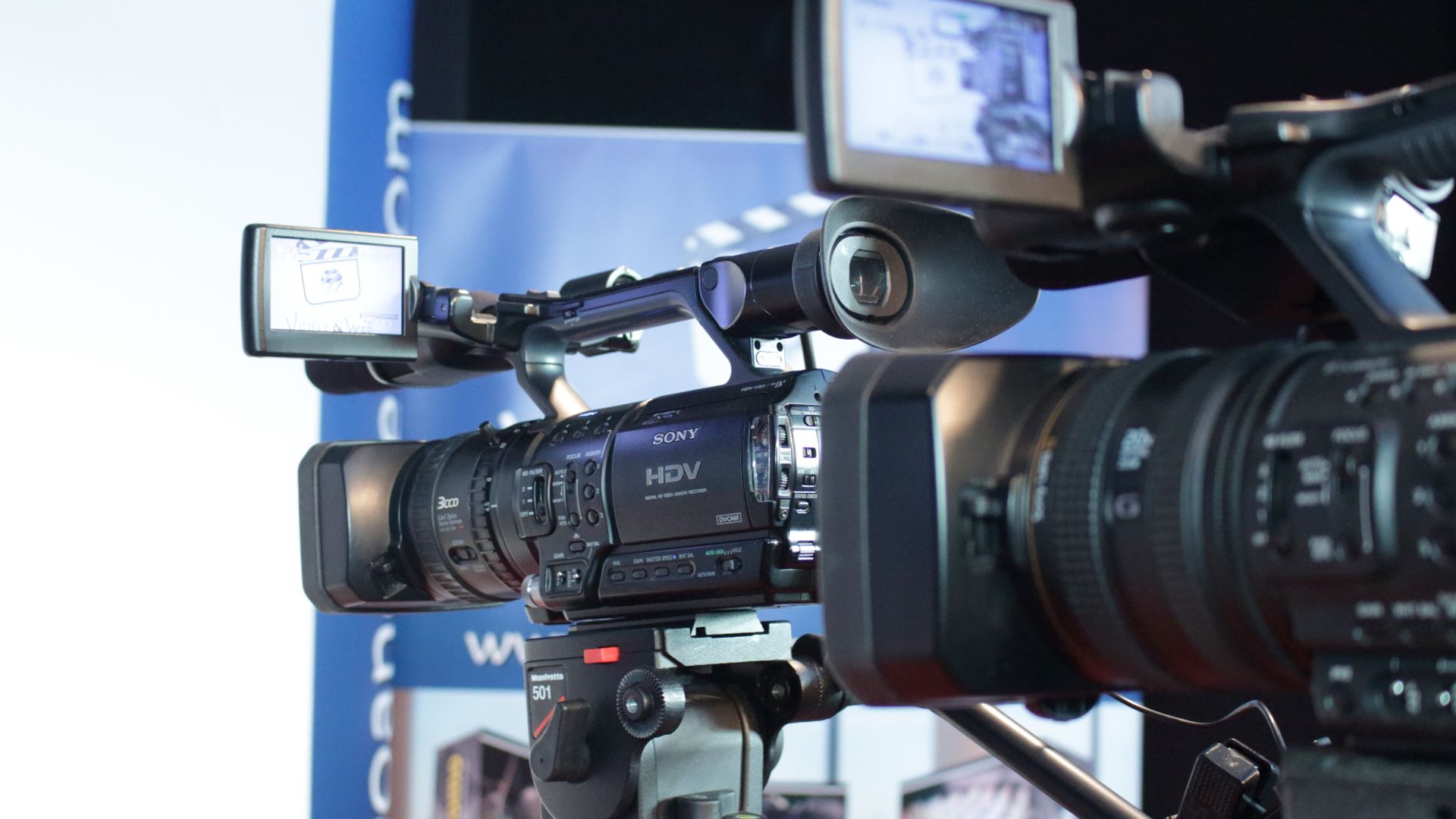 Camera and equipment selection
Having the right camera and equipment is crucial. The right tools can make all the difference in producing a professional-looking and engaging video that will captivate your audience.
Here are some key factors to consider when selecting cameras and equipment for filming a conference:
Camera Type: Various types of cameras are available in the market, ranging from simple handheld camcorders to high-end DSLRs. Choose a camera that suits your needs and budget. Investing in a camcorder would be ideal if you are looking for a more professional look, as they offer better image quality and manual controls.
Resolution: Conference videos require high-quality visuals. Full HD (1080p) is considered the standard resolution for most videos today.
Low-light Performance: Conferences often take place in dimly lit rooms or auditoriums, so having a camera with good low-light performance is crucial. Look for cameras with larger sensors, as they can capture more light and produce better results in low-light conditions.
Audio Quality: While visuals are essential, audio quality is equally important in delivering an engaging conference video. A built-in microphone may not always provide the best audio quality due to background noise or echo in large spaces like conference halls. Consider using other options, such as a podium or lapel mic for the speakers.
Creating a shot list for key moments and speakers
Identify the key moments: Before creating a shot list, identify the key moments of the conference that you want to capture on camera. These could include keynote speeches, panel discussions, audience reactions, networking sessions, or any other significant events that will be taking place during the conference.
Determine the number of cameras needed: The number of cameras required will depend on the size and complexity of the event. One or two cameras may be sufficient for smaller conferences, while larger events may require multiple cameras to capture different angles simultaneously.
Consider the layout of the venue: Familiarize yourself with the layout of the venue where the conference will take place. It will help you determine where to position your cameras for optimal coverage and which areas may have potential obstacles or challenges that must be accounted for in your shot list.
Plan shots for each speaker: Make sure to include specific shots for each speaker on your shot list. It could include close-ups during their presentation or reaction shots from audience members during Q&A sessions.
Use a mix of wide and close-up shots: To add variety and visual interest to your video, use a mix of wide shots that show the overall setting.
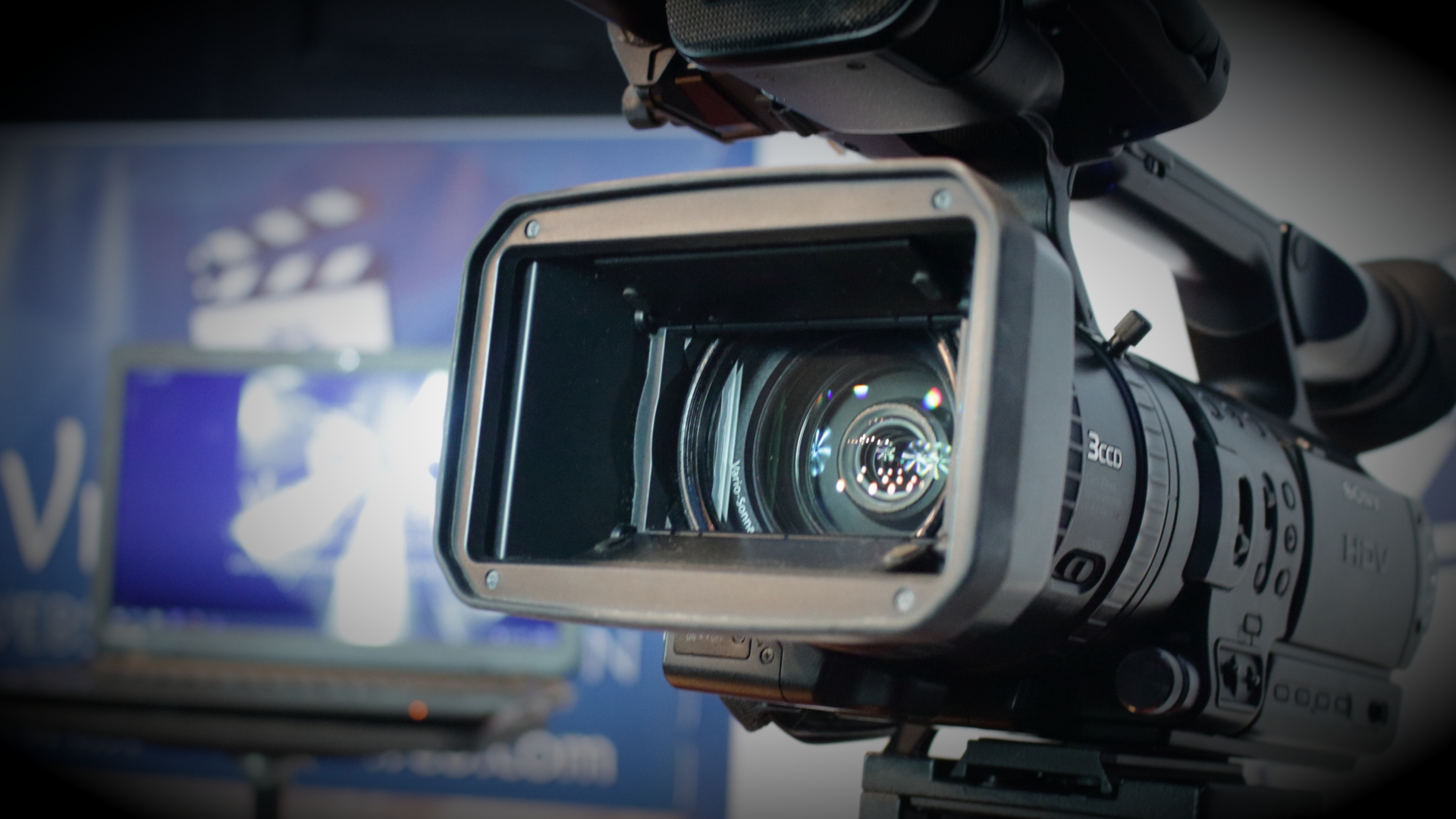 Capturing b-roll footage
B-roll refers to the supplementary footage used to support the main footage in a video. It can include shots of the venue, audience reactions, the speaker’s hands while presenting, close-ups of props or products, and anything else that adds visual interest to the video.
Here are some techniques for capturing effective b-roll footage during a conference:
Plan ahead: Before you even start filming, have a clear plan for what type of b-roll shots you want to capture. It could include specific shots of the venue, decorations, signage, or other relevant details.

Get creative with composition: B-roll footage should be visually interesting and add variety to your video. Don’t be afraid to experiment with different compositions, such as using different camera angles (low or high angles), incorporating movement (panning or tracking shots), or playing with depth of field.
Focus on details: While capturing overall shots of the conference is important, don’t forget about the small details that can make your b-roll footage stand out.
Properly framing shots
Properly framing shots can make the difference between a mundane and captivating video, making it essential for videographers to understand the different techniques and principles of framing shots.
Consider the Rule of Third
One of the fundamental principles in photography and videography is the rule of thirds. This rule divides your frame into nine equal parts with two vertical and horizontal lines intersecting, creating four points where they meet. The main subject or focal point should be placed along these lines or at their intersections, resulting in a more balanced composition. This technique adds depth and interest to your shots, making them visually pleasing to the audience.
Use Leading Lines
Leading lines are elements within a scene that draw viewers’ attention towards a specific subject or point of interest in your frame. They can be natural elements like roads and pathways or objects like buildings or fences. Utilising leading lines helps guide the viewer’s eye through the shot and creates a sense of depth, adding visual interest to your video.
Control Your Framing
Framing refers to how you position your subject within the frame of your shot. Pay attention to what you include in your frame, as it can significantly impact how your audience perceives the scene. For instance, if you want to convey intimacy or closeness between speakers on stage, framing them tightly will create this effect better than having them far apart in an open frame.
Use the Environment
Conference venues often have visually appealing elements that can be incorporated into your shots to add depth and interest. When framing your shots, consider using elements such as windows, doorways, or architectural details in the foreground to create a sense of scale and depth in your video.
Incorporate Different Angles
Varying angles is another technique to create dynamic and engaging conference videos. Instead of shooting everything from eye level, try experimenting with low or high angles to add interest and create a unique perspective. Be mindful not to overdo it, as it can distract from the main subject.
Pay Attention to Composition
Composition is how all the elements within a shot come together to form a cohesive image. It involves considering the placement of subjects, background, foreground, and any other objects in your frame. Be mindful of cluttered backgrounds or objects distracting from the main subject and adjust accordingly.
 Utilising different camera movements and techniques
Capturing different camera movements and techniques to capture the best footage can add visual interest, highlight key moments, and enhance the overall production value of your video. In this section, we’ll discuss some common camera movements and techniques that you can use to take your conference videos from ordinary to extraordinary.
- Pan and Tilt shots:
One of the most basic camera movements is the pan and tilt shot. It involves moving the camera horizontally (pan) or vertically (tilt) while keeping it fixed on a subject. Pan shots are great for capturing large groups or wide shots of a conference room, while tilt shots can be used to focus on specific individuals or details.
- Tracking shots:
Tracking shots involve moving the camera along with a subject as they move through the frame. This shot adds dynamism and energy to your footage, making it feel more immersive for viewers. You can use tracking shots to follow speakers as they walk across the stage or during interviews with attendees.
- Zooming:
Zooming in and out is another simple yet effective technique for adding variety to your footage. It allows you to focus on specific details or emotions without physically moving the camera too much. However, make sure not to overuse zooms, which can become distracting if done too frequently.
- Dolly Shots:
Dolly shots involve physically moving the entire camera setup towards or away from a subject using a dolly track or other equipment. These smooth and controlled movements can add a professional touch to your footage and are great for capturing speakers on stage.
- Handheld shots:
Handheld shots provide a more organic and natural feel to your footage. They work well for capturing candid moments or reactions from attendees. However, keeping the camera as steady as possible while filming handheld is important to avoid shaky footage.
- Aerial shots:
If you have access to a drone, aerial shots can add a whole new dimension to your conference video. They can capture the event from a unique perspective, showing the scale of the venue and the crowd in attendance.
- Close-ups:
Don’t be afraid to get up close and personal with your subjects during interviews or speeches. Close-up shots can help viewers connect with speakers and their emotions, making them feel like they’re part of the conversation.
- B-roll footage:
In addition to capturing key moments during presentations or panel discussions, make sure also to film b-roll footage of people networking, interacting with vendors, or participating in activities during breaks. It will help break up the monotony of talking heads and add visual interest to your video.
- Time-lapse:
Time-lapse shots can condense hours of footage into just a few seconds, making for a visually stunning and engaging sequence. You can use time-lapse shots to capture the setup of the event space, crowds entering and exiting, or even the changing of lighting throughout the day.
Experiment with these camera movements and techniques to find what works best for your conference video. Just remember to keep your shots steady, vary your camera angles, and always be mindful of capturing key moments and emotions.
Interviewing techniques for conference attendees and speakers
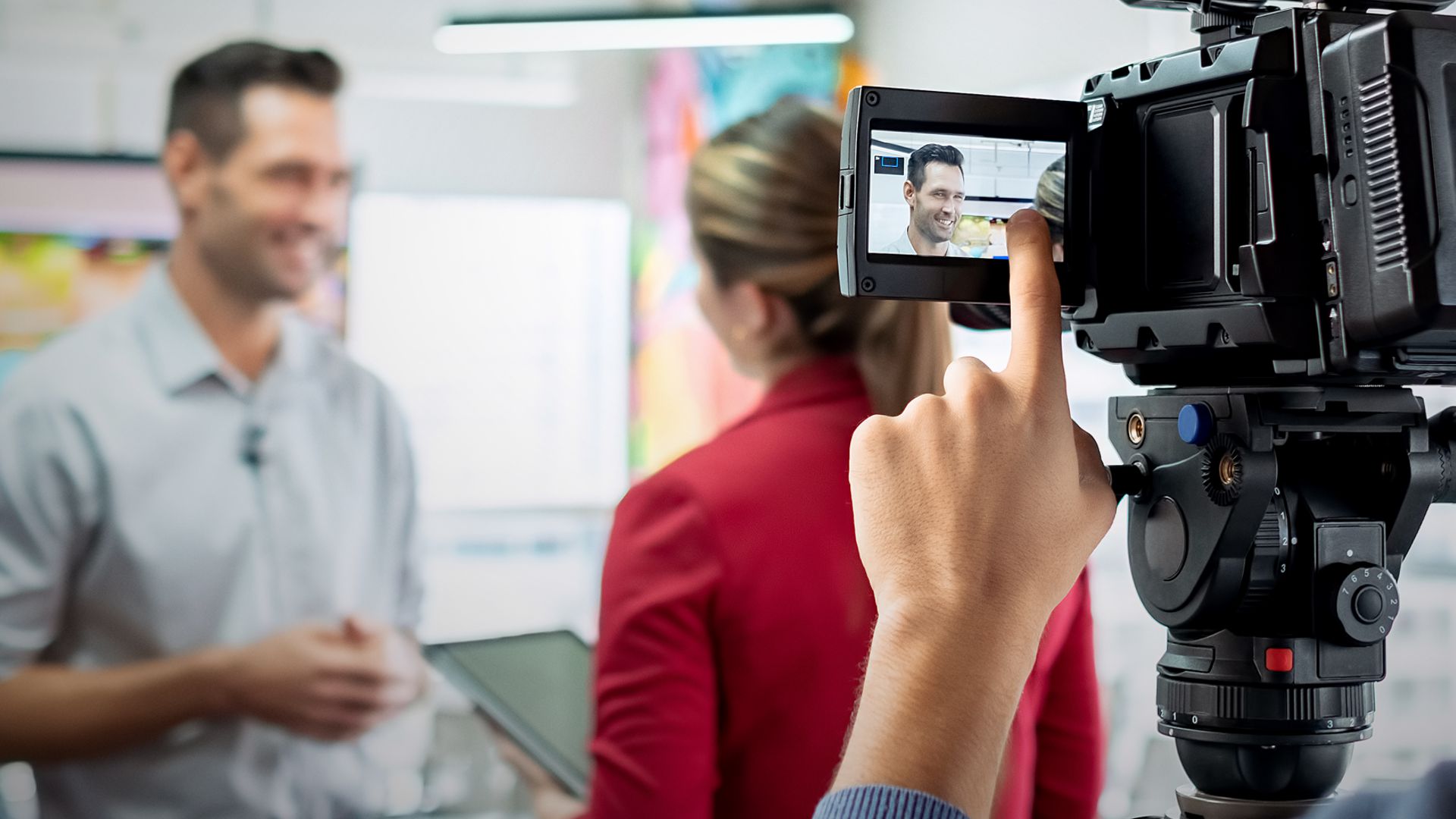
Interviewing is an important aspect of capturing the best conference videos. As a videographer, you are responsible for ensuring that all the attendees and speakers are properly interviewed to obtain their insights and perspectives on the conference topics. This will enhance the overall quality of your video and provide valuable content for your audience.
Here are some interviewing techniques that will help you capture engaging and informative interviews at conferences:
- Prepare beforehand: Before heading out to conduct interviews, make sure you have done thorough research about the conference topics and speakers. It will give you a better understanding of what questions to ask and how to frame them to elicit insightful responses from the interviewees.
- Establish rapport: Building a good rapport with the interviewees is crucial for them to open up and share their thoughts freely. Before starting the interview, take some time to introduce yourself, explain your role as a videographer, and make them feel comfortable in front of the camera.
- Use open-ended questions: Instead of asking yes or no questions, focus on asking open-ended questions that encourage interviewees to elaborate on their answers. It will help get more detailed responses that can be valuable content for your video.
- Be an active listener: It is essential to actively listen to what the interviewee is saying rather than just waiting for your turn to speak or moving on to another question. Pay attention, nod along, and ask follow-up questions based on their responses to keep the conversation flowing.
- Be flexible: While preparing a set of questions beforehand is important, be open to deviating from the script if the conversation takes an interesting turn. It will help in capturing authentic and spontaneous responses from the interviewee.
- Keep it concise: Most conference attendees and speakers are busy and may not have much time for interviews. Keep your questions concise and to the point to make the most of their time. Respect their schedule and thank them for their time at the end of the interview.
- Have a diverse pool of interviewees: To provide a well-rounded perspective on the conference topics, interview a diverse group of attendees and speakers. It will add depth and diversity to your video and make it more engaging for your audience.
Conclusion
Remember, practice makes perfect when it comes to interviewing techniques. Keep these tips in mind, but also don’t be afraid to experiment with different approaches and find what works best for you as a videographer.
Capturing high-quality conference videos requires more than just pointing and shooting a camera. It involves careful planning, preparation, and execution of various techniques to ensure that the video captures the essence of the event and engages viewers. In this section, we will discuss some essential tips on how to capture the best conference videos.
Edit Thoughtfully: Once you have all your footage, it’s time to edit it together into a cohesive video. Pay attention to the pacing, audio levels, and transitions between shots. Add graphics, titles, and lower thirds to make your video more polished and professional.
Capturing high-quality conference videos requires proper planning, equipment, and effective filming techniques. By following these tips, you can create engaging and informative videos that effectively capture the essence of any conference.
Further Reading
7 Great Ways To Use Videos On Social Media
Ten reasons to make video for your business
Need help turning this advice into action?
If you are reviewing your website, marketing or online visibility, we can help you work out what to improve first.
Related articles
 Content
How to Explain Complicated Services Simply
If it takes ten minutes to explain what your business does, you may have already lost the customer. Just because you know your profession…
Read article
Content
How to Explain Complicated Services Simply
If it takes ten minutes to explain what your business does, you may have already lost the customer. Just because you know your profession…
Read article
 SEO
Why Sounding Human Again May Be the Future of SEO
Why sounding human again may be the future of SEO. Discover why authentic content, Geo Marketing, and real expertise matter more than ever in…
Read article
SEO
Why Sounding Human Again May Be the Future of SEO
Why sounding human again may be the future of SEO. Discover why authentic content, Geo Marketing, and real expertise matter more than ever in…
Read article
 SEO
How to Get Your Website to the Front of the Crowd
Creating a website today without SEO, social media, or any marketing at all is a bit like standing at the back of the O2…
Read article
SEO
How to Get Your Website to the Front of the Crowd
Creating a website today without SEO, social media, or any marketing at all is a bit like standing at the back of the O2…
Read article
 VideoandWeb.com