
How to Transform Your Podcast into an Engaging Video Experience
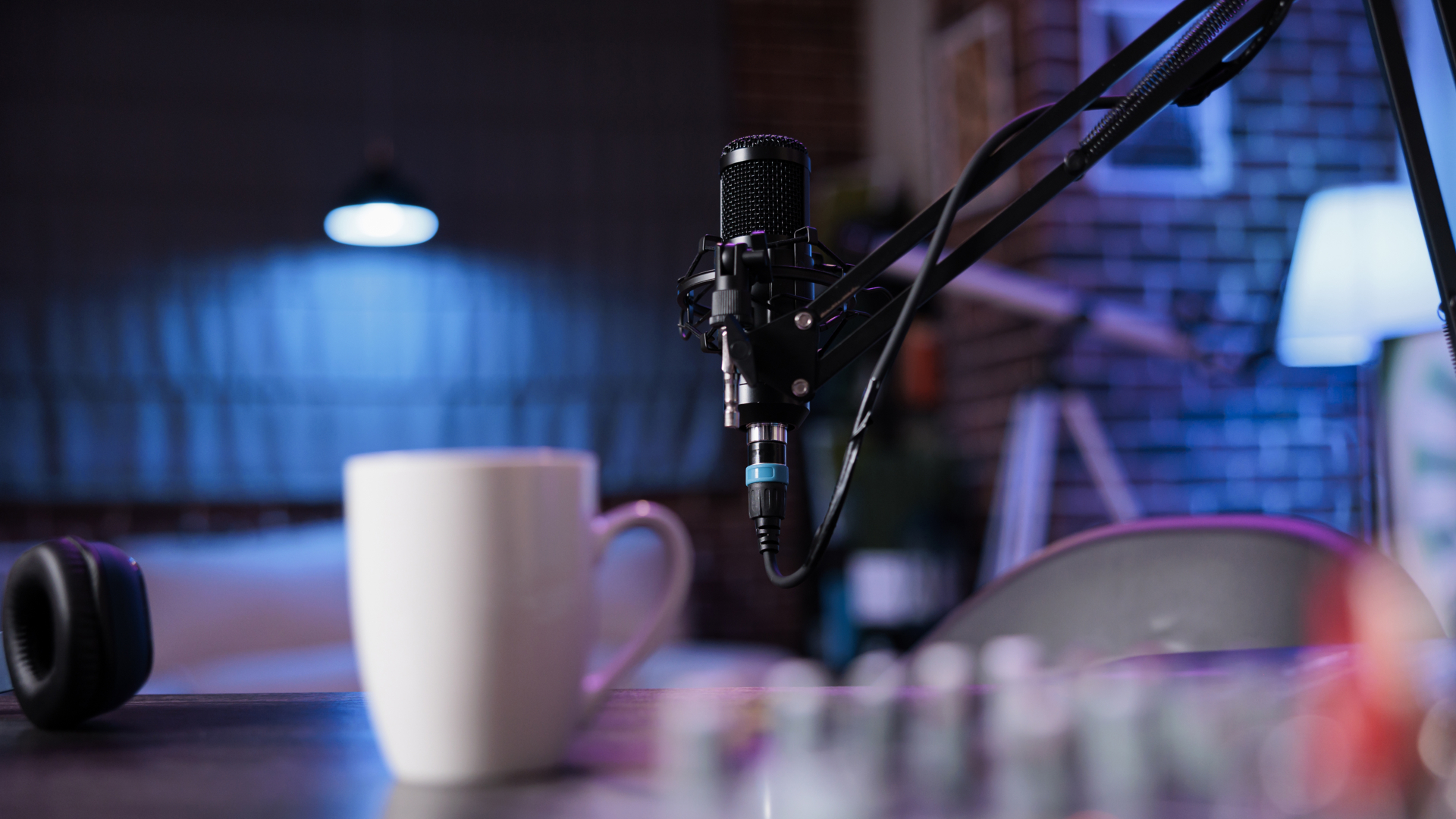 How to transform your podcast into an engaging video experience. In recent years, podcasts have become increasingly popular among audiences, with millions of people listening to their favourite shows. From educational content to entertainment and news updates, podcasts cover a wide range of topics and cater to diverse interests. However, with the rise of video platforms such as YouTube and TikTok, many podcasters are now incorporating visuals into their episodes.
Using visuals in podcasts has opened up new opportunities for content creators to engage with their audience on a deeper level. It adds a dynamic element to the audio-only format of traditional podcasts, making it more appealing and visually stimulating for viewers. In this blog, we will explore the reasons behind the growing trend of visual podcasts and why it’s a good idea for podcasters to incorporate visuals into their content.
The Rise of Podcasts
Podcasts have existed since the early 2000s but have gained mainstream popularity recently due to technological advancements and accessibility. With the widespread availability of smartphones and internet connectivity, listeners can now easily access their favourite podcasts anytime and anywhere. The COVID-19 pandemic significantly contributed to the growth of podcasts as people turned towards digital media for entertainment during lockdown restrictions.
The Importance of Visuals in Podcasts
While traditional podcasts rely solely on audio to convey their message, incorporating visuals can greatly enhance the overall experience for listeners. Here are some reasons why visuals are becoming increasingly important in podcasts:
1. Captures Audience Attention
With so much online content, grabbing and retaining the audience’s attention is difficult. Using visuals, such as images or video clips, can help break up long audio segments and make the podcast more visually appealing. It can help retain the audience’s attention and keep them engaged throughout the episode.
2. Provides Context
Incorporating visuals into a podcast can provide context to what is being discussed, especially regarding complex or technical topics. For example, if a podcaster discusses a product or process, showing visuals can help listeners better understand what is being discussed.
3. Increases Accessibility
Adding visual elements to a podcast can make it more accessible for individuals with hearing impairments or who prefer written information over audio. It also allows viewers who may be multitasking while listening to still follow along with the content through visual cues.
4. Creates a Stronger Connection with the audience
Visuals can help create a stronger connection between the podcaster and their audience. By seeing the person behind the voice, listeners can feel a more personal and genuine connection to the presented content.
5. Branding Opportunities
Incorporating video into your podcast gives you an additional platform for branding opportunities. You can use graphics, images, or even product placements in the video portion of your podcast to further promote your brand. It adds another layer of professionalism and helps strengthen brand recognition among viewers.
6. Enhanced Storytelling
While podcasts are known for their storytelling abilities through audio alone, incorporating visuals can take that storytelling to the next level. Visuals allow for a more dynamic and immersive experience, allowing you to convey emotions better, set the scene, or showcase relevant information.
7. Utilize Video Platforms
Adding video to your podcast allows you to utilize popular video platforms like YouTube or Vimeo. These platforms have built-in audiences and algorithms that can help increase your reach and attract new viewers. Additionally, you can repurpose your video content for social media or other marketing channels.
 Understanding the Different Types of Visuals for Podcasts
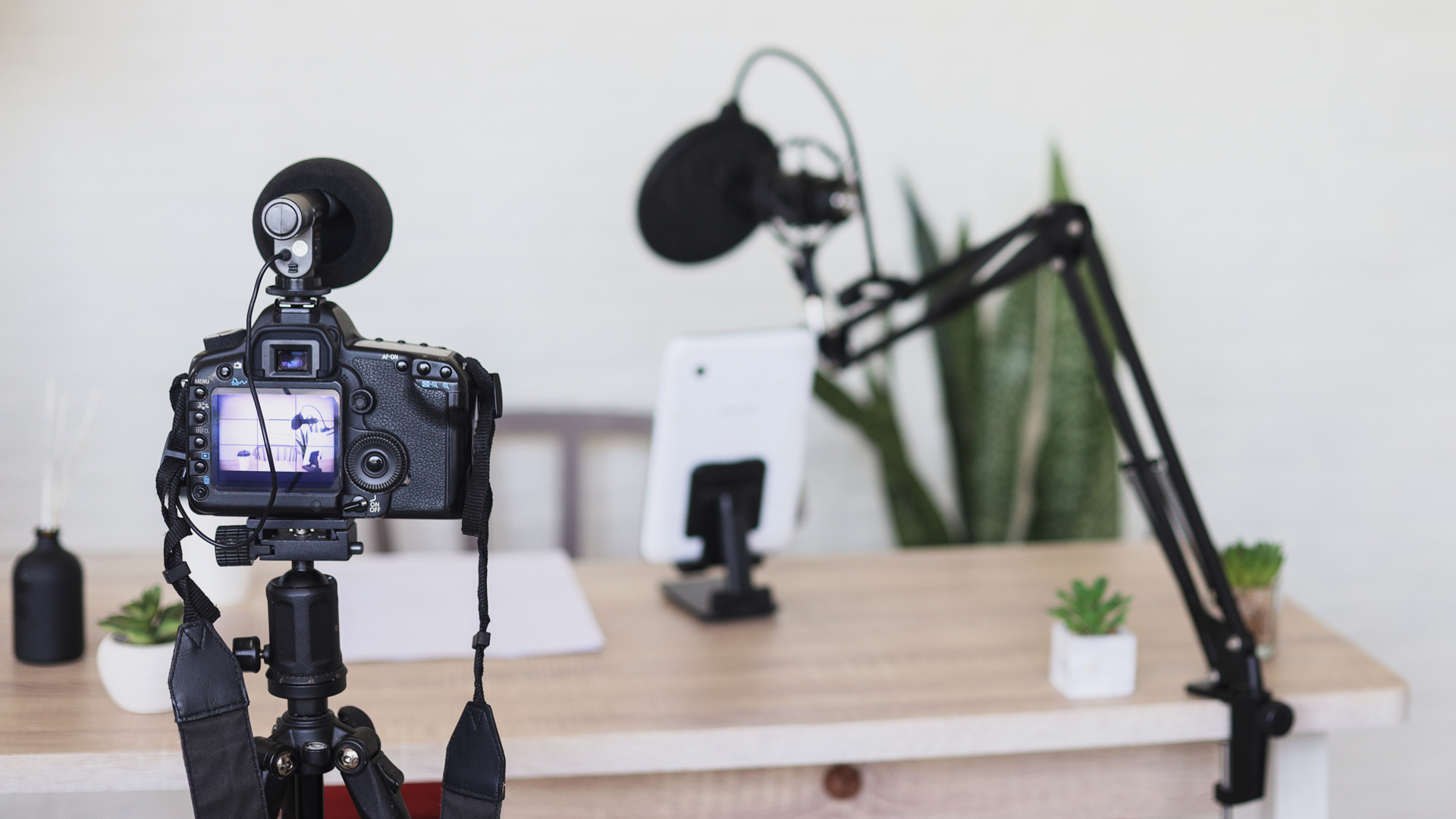
There are a multitude of ways to incorporate visuals into your podcast, and understanding the different types available can help you create a truly engaging video experience for your audience. In this section, we will explore the various types of visuals that can enhance your podcast and provide tips on using them effectively.
Video Clips
The most common type of visual used in podcasts is video clips. These can be footage from interviews, events, or other relevant content that adds depth and variety to your audio content. When using video clips, it is important to ensure they are high quality and visually appealing. You can also add text overlays or additional graphics to make them more engaging.
Interactive Graphics
Interactive graphics allow listeners to engage with your podcast interactively. It could include clickable links, polls, quizzes, or animations that appear on the screen while the audio plays. Interactive graphics make your podcast more interesting and encourage audience participation.
Animated Visuals
Animated visuals are another great way to add interest and engagement to your podcast videos. They can be used as transitions between segments or as background elements throughout the video. Animated visuals can range from simple motion graphics to complex illustrations, depending on the style of your podcast.
Images
Including images in your podcast videos is an effective way to break up long stretches of audio and keep viewers engaged. Images could include photos related to the topic being discussed or any other relevant visual content that adds value to the overall viewing experience.
Text Overlays
Text overlays are a popular way to supplement audio content in podcasts. They can highlight key points, provide additional information, or display interview quotes. When using text overlays, make sure to use legible fonts and colours that are easy to read.
Live Video
While most podcasts are pre-recorded, incorporating live video elements can add a new level of excitement and interaction for your audience. It could include streaming live video recordings of your podcast or hosting live Q&A sessions with audience members.
Slideshows
Similar to images, slideshows can be visual aids during your podcast. You can create a slideshow of relevant images or use it to display charts and graphs supporting the information discussed in the podcast.
Audio Visualizers
Audio visualizers are animations that respond to sound waves and music in real time. They can be used as background visuals during music segments or as transitions between segments in your podcast videos.

Tips for Using Visuals Effectively in Your Podcast
1. Keep it Simple
When using visuals in your podcast, remember the focus should still be on the audio content. Avoid cluttering the screen with too many elements; keep visuals simple and easy to understand.
2. Use Relevant Visuals
Ensure any visuals you use in your podcast are relevant to the discussed topic. This will help to enhance the audio content and keep viewers engaged.

3. Use High-Quality Visual
Low-quality visuals can be distracting and take away from the overall viewing experience. Use high-quality images, videos, and graphics in your podcast.
4. Use Consistent Branding
If you have a brand for your podcast, incorporate it into your visuals. It will help create a cohesive and professional look for your podcast videos.
5. Consider accessibility
When using visuals, consider those with visual impairments or listening without video. Ensure to provide descriptions of important visuals so all listeners can follow along.
Live Action Videos
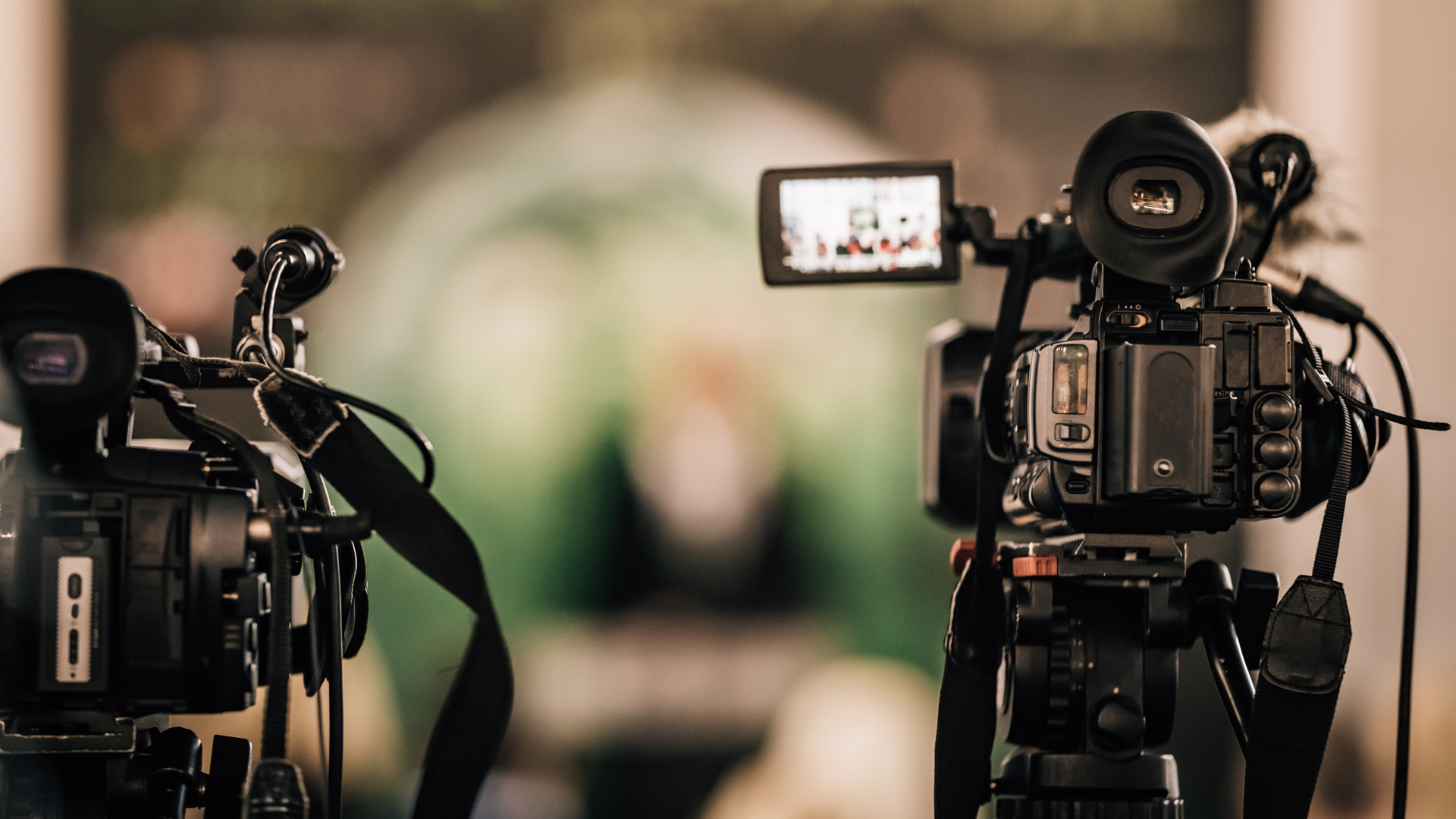
Live-action videos are a powerful tool for engaging your audience and bringing your podcast to life. By incorporating live-action footage into your video experience, you can add a dynamic visual element that will help capture the viewers’ attention and keep them engaged throughout the entire episode.
But what exactly are live-action videos? Simply put, live-action videos feature real people in real-life situations instead of animation or digital content. It can include footage of interviews, events, demonstrations, or any on-location recordings. So, how can you use live-action videos in your podcast? Here are a few ideas.
Interviews: Conducting interviews with guests on camera adds a new dimension to your podcast. It allows viewers to see the interaction between you and your guest, making it more like a conversation than just an interview.
Event coverage: If you attend events related to your podcast topic, consider filming some footage to include in your video. It could be anything from conferences and workshops to concerts or festivals. It gives viewers a behind-the-scenes look at what’s happening in your industry and adds visual interest to your podcast.
Demonstrations: If your podcast involves teaching or demonstrating something, filming that process can be helpful for viewers. It allows them to see exactly how things are done, which can be easier to understand than just listening to an explanation.
B-roll footage: B-roll is additional footage used to enhance the main footage in a video. You could use b-roll footage of scenic views, cityscapes, or other relevant visuals while discussing a topic in your podcast.
Animated Videos
Animated videos are a powerful and engaging medium that can help take your podcast to the next level. They add a visual element to your audio content, making it more dynamic and captivating for your audience. This section will explore how animated videos can enhance your podcast and provide tips on creating effective
Slideshows and Presentation-style Videos
Slideshows are essentially a collection of images or graphics that are presented in a sequence with accompanying audio or text. They provide an excellent opportunity to add supporting visuals to your podcast content and keep your audience engaged throughout the episode. Here are some tips for creating impactful slideshow presentations for your podcasts:
1. Choose Relevant Images:
Choosing relevant images that complement your spoken content is the key to creating an effective slideshow. Avoid using generic stock photos and opt for high-quality images that align with the theme or topic of your podcast.
2. Keep it Simple:
Don’t overcrowd your slides with too many images or text, as it can overwhelm viewers. Stick to one main image per slide with minimal text highlighting key points from your podcast.
3. Use Consistent Branding:
Make sure all images used in your slideshow follow a consistent branding theme. This will help create a cohesive and professional look for your video.
 4. Incorporate Visual Aids:
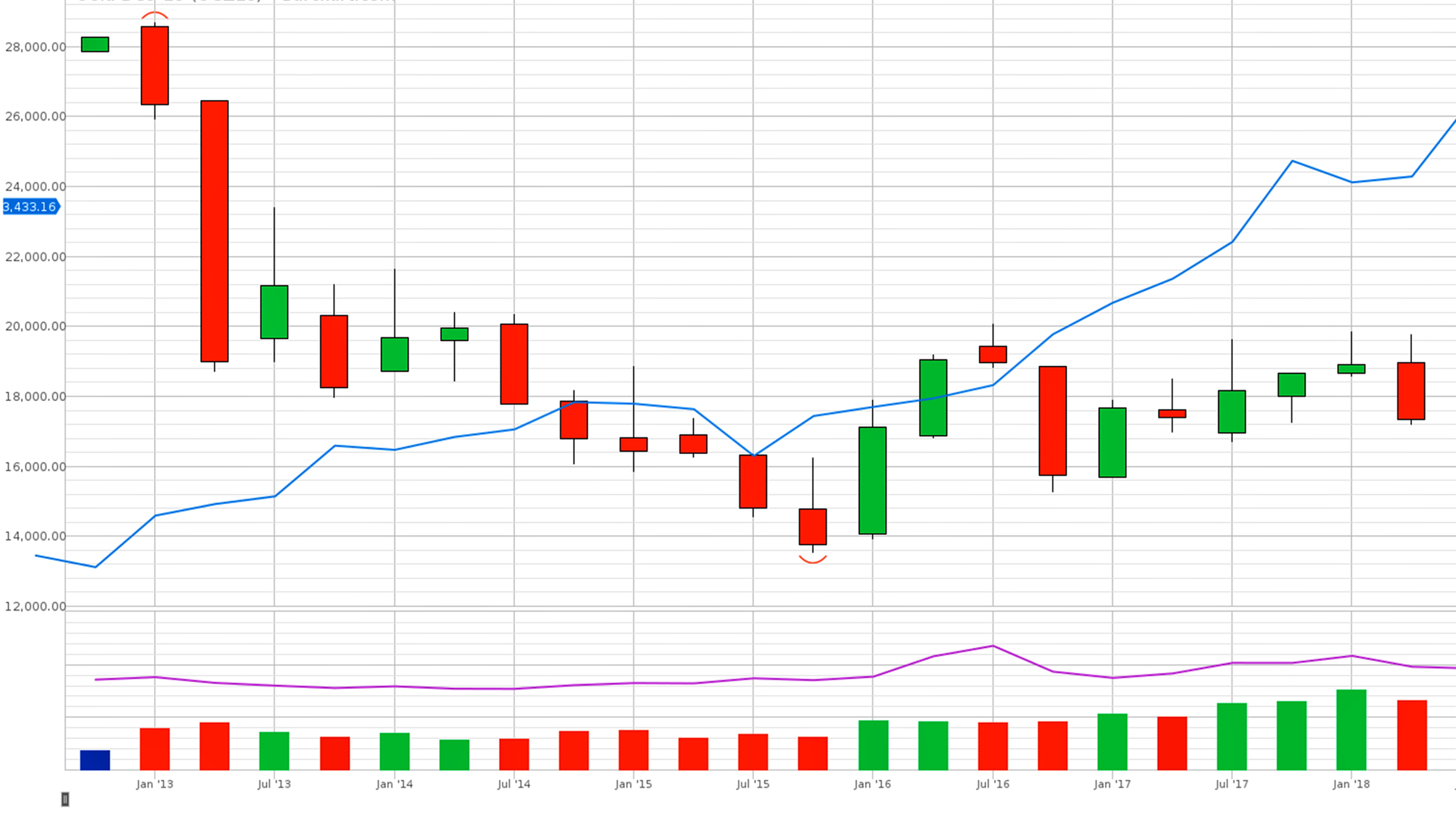
Slideshows are a great opportunity to incorporate visual aids such as charts, graphs, or infographics to help convey complex information or statistics mentioned in your podcast.
5. Use Transitions:
Add simple transitions between slides to make the viewing experience more seamless and professional.
Once you have created your slideshow, you can easily add it to your podcast using video editing software or a podcast hosting platform supporting video uploads. Presentation-style videos take the slideshow concept one step further by incorporating visuals dynamically and interactively. These videos typically involve a combination of live-action footage, graphics, and text effects synced with the audio content. Here are some tips for creating engaging presentation-style videos for your podcast:
Choosing the Right Format for Your Content
Choosing the right format for your content is crucial for transforming your podcast into an engaging video experience. It can make or break the success of your visual content, as different formats have different strengths and limitations.
Here are some key factors to consider when choosing the right format for your content.
Understand Your Audience: Before deciding on a format, it’s important to know your target audience and what kind of content they prefer. Shorter and visually appealing videos may be more effective if you have a younger demographic. On the other hand, if you have an older audience, longer and more informative videos may be better suited.
Consider Your Message: The type of message you want to convey through your visuals will also play a big role in determining the format. A demo or tutorial-style video may work best if you want to showcase a product or service. Longer-form videos with a narrative structure may be more suitable for storytelling or interviews.
Utilize Visual Aids: One advantage of transforming audio into video is the ability to incorporate visuals that support your message. Certain formats may be more compatible than others depending on the type of visuals you want (e.g., charts, animations, photos). For instance, slideshows work well for presentations with accompanying images, while animation works best for explaining complex concepts.
Short vs Long-Form: The length of your content will also determine the format you choose. Short-form videos (under 5 minutes) are great for capturing attention and conveying a concise message. Long-form videos (over 10 minutes) are better for in-depth discussions and storytelling.
Platform Compatibility: Different platforms have different requirements for video formats, so it’s important to consider where you will share your content. For example, Instagram has a limit of 60 seconds for videos, while YouTube allows longer videos.
Budget and Resources: Finally, your budget and resources will also play a role in determining the format of your video content. Some formats may require more time, equipment, or expertise to produce, so it’s important to consider what is feasible for your team.
There is no one-size-fits-all approach to choosing the right format for your content. It’s important to consider your audience, message, visuals, length, platform compatibility, and resources before deciding. Experiment with different formats and see what works best for your podcast audience and your goals for transforming into video content.
Further Reading
Beginner’s Guide for Video Marketing
Need help turning this advice into action?
If you are reviewing your website, marketing or online visibility, we can help you work out what to improve first.
Related articles
 Content
How to Explain Complicated Services Simply
If it takes ten minutes to explain what your business does, you may have already lost the customer. Just because you know your profession…
Read article
Content
How to Explain Complicated Services Simply
If it takes ten minutes to explain what your business does, you may have already lost the customer. Just because you know your profession…
Read article
 SEO
Why Sounding Human Again May Be the Future of SEO
Why sounding human again may be the future of SEO. Discover why authentic content, Geo Marketing, and real expertise matter more than ever in…
Read article
SEO
Why Sounding Human Again May Be the Future of SEO
Why sounding human again may be the future of SEO. Discover why authentic content, Geo Marketing, and real expertise matter more than ever in…
Read article
 SEO
How to Get Your Website to the Front of the Crowd
Creating a website today without SEO, social media, or any marketing at all is a bit like standing at the back of the O2…
Read article
SEO
How to Get Your Website to the Front of the Crowd
Creating a website today without SEO, social media, or any marketing at all is a bit like standing at the back of the O2…
Read article
 VideoandWeb.com